

Workbooks#
A workbook is where you plot and review your data in the Nominal app. It shows an asset’s or run’s channels in tabs and panels, where you mark events and compare runs. See 🔒︎Workbooks overview.
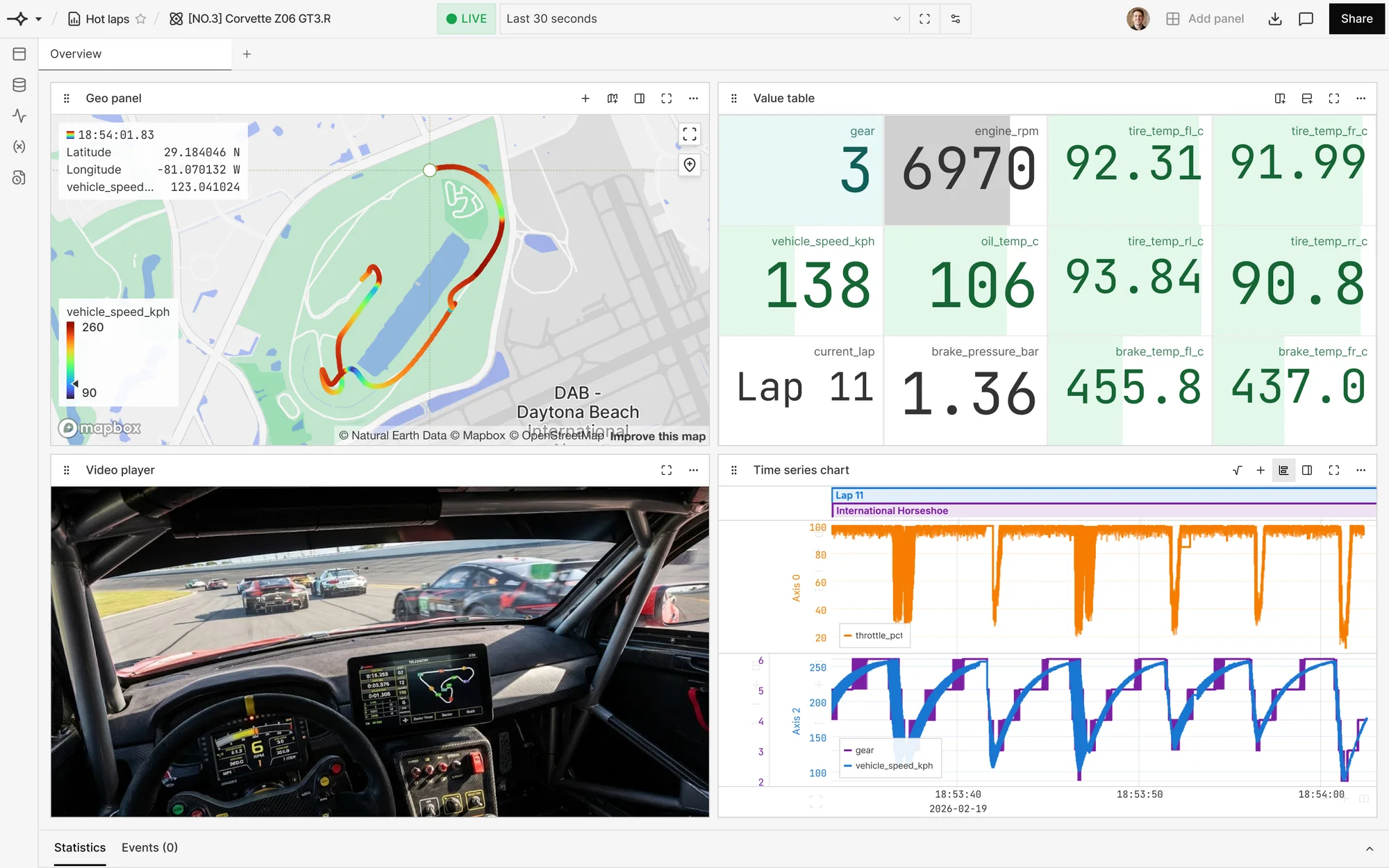
A workbook opens on a run or an asset, and 🔒︎its type sets the time range it shows. A 🔒︎comparison workbook compares summary numbers, such as each run’s peak value, across many runs. To open the same analysis on each new run or asset, save a workbook as a template.
Live workbooks#
While data streams into an asset or run, a workbook on it can show the data live. Click GO LIVE in the workbook’s bottom bar. The workbook then updates as new points arrive, over a recent time window you choose. See 🔒︎Livestreaming data, and for an example, Live monitoring during a test.
Checklists#
A checklist is a set of checks, such as a value limit, that you execute on a run or asset after a test or while data streams in. Each check creates an event wherever its condition is met, and you review those events in a workbook. See 🔒︎Checks and checklists, and for a walkthrough, Automated pass/fail checks.