


 instro
Power Supply (PSU)#
Using InstroPSU for SCPI-based programmable power supplies
InstroPSU provides a unified interface for programmable power supplies. This class is initialized with a vendor-specific driver (BK9115, KeysightE36100, RigolDP800, …), and provides the vendor-agnostic API (set_voltage, get_voltage, output_enable, …).
Creating an InstroPSU#
from instro.psu.drivers import SiglentSPD3303
from instro.psu import InstroPSU

psu = InstroPSU(
    name="myPSU",
    driver=SiglentSPD3303(visa_resource="USB0::0xF4EC::0x1430::SPD3XJGQ806726::INSTR"),
    num_channels=2,
)
Supported Vendors#

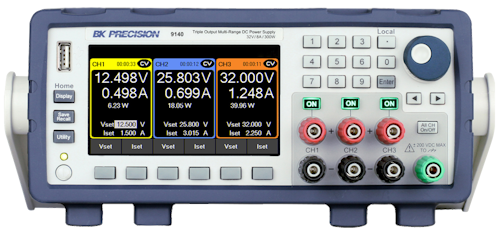
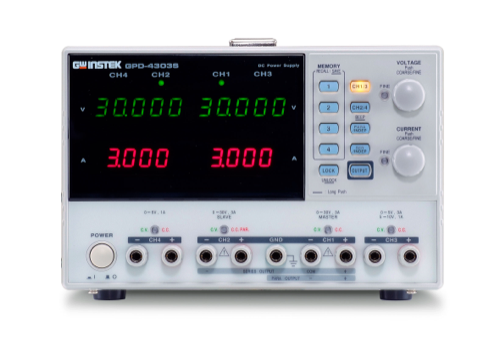
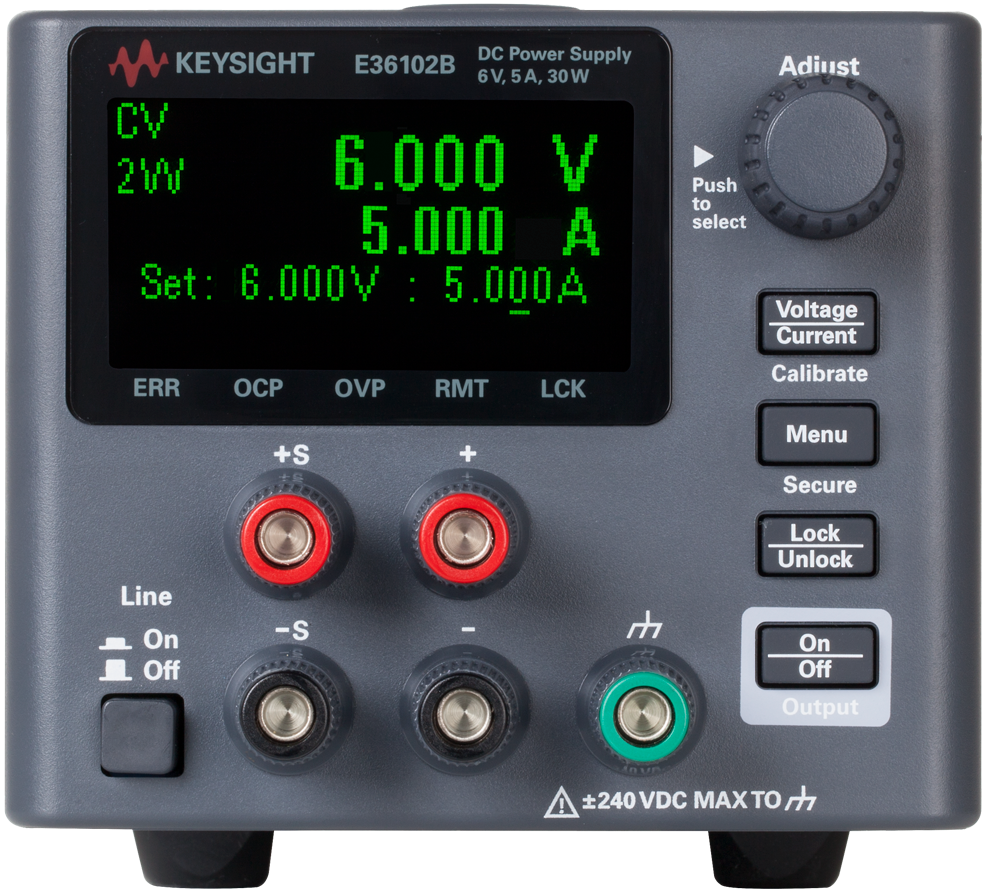

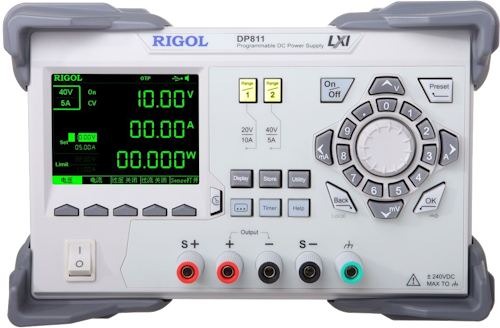
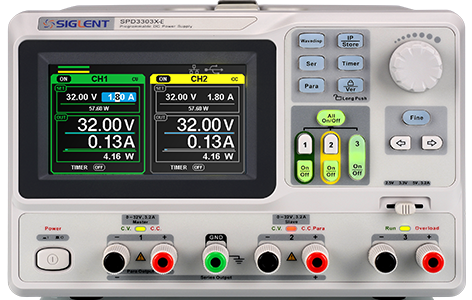
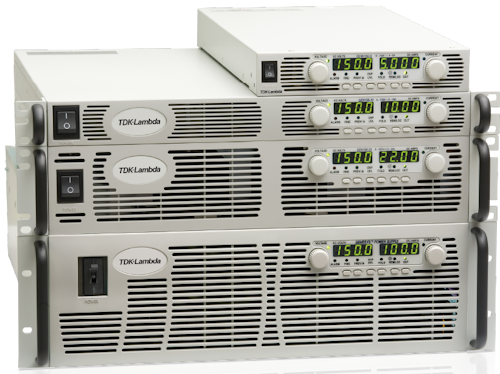
Virtual: no hardware or server; outputs simulated in-process (
VirtualPSU, see Virtual instruments)Simulated: no hardware required; pairs with the bundled PSU simulator (
SimulatedPSU)
The following vendor is available as a community-contributed driver in instro-contrib (install with instro[contrib]; see Contrib drivers):
Matrix: WPS300S-series single-channel via SCPI/RS-232 (
MatrixWPS300S)
If your vendor or model is not listed, see Custom Driver Development, or open a Driver Request issue on GitHub.
Example#
More examples found in Examples
Details#
The following presents details about the InstroPSU. Specific driver details can be found on their pages.
Driver Composition#
An InstroPSU is built from a concrete driver:
InstroPSU("name", driver=BK9115(visa_resource="USB0::..."), num_channels=1)
The vendor driver (e.g.
BK9115) owns the connection setup and vendor-specific command mapping.InstroPSUowns the category-level workflow: measurements, commands, publishers, the background daemon.
Lifecycle#
The typical InstroPSU workflow:
Construct: instantiate the vendor driver and pass it to
InstroPSU.open(): establishes the VISA connection.Configure and measure: set voltage/current limits, enable outputs, read measurements.
apply()sets the current limit, then the voltage, then the output state in one call.start(): begins a periodic background daemon. (Optional)stop(): ends the background daemon (if started).close(): disconnects from hardware.
Protection Trips#
When overvoltage or overcurrent protection trips, a supply typically latches the output off until the trip is cleared. get_overvoltage_protection_tripped() and get_overcurrent_protection_tripped() report the latch as a bool Measurement (ch<n>.ovp.tripped, ch<n>.ocp.tripped). clear_protection() clears every latched trip on the channel and publishes a Command (ch<n>.protection.clear.cmd). The output stays off after a clear; fix the cause, then re-enable it with output_enable().
psu.get_overcurrent_protection_tripped(channel=1)  # myPSU.ch1.ocp.tripped: [1.0]
psu.clear_protection(channel=1)
psu.output_enable(True, channel=1)
RigolDP800 implements these methods. Drivers for supplies without the matching protection raise FeatureNotSupportedError; other drivers don’t implement them yet and raise NotImplementedError.
Init from a Config File#
InstroPSU can also be constructed directly from a JSON config file, which removes the need to write any Python setup code:
from instro.psu import InstroPSU

psu = InstroPSU(config="bench_psu.json")
Where bench_psu.json contains:
{
  "version": 1,
  "instrument": "InstroPSU",
  "device": {
    "name": "bench_psu",
    "description": "Bench channel 1 supply",
    "manufacturer": "B&K Precision",
    "model": "9115"
  },
  "driver": {
    "name": "BK9115",
    "num_channels": 1,
    "connection_type": "visa",
    "visa": {
      "visa_resource": "USB0::0x2A8D::0x0101::MY12345::INSTR"
    }
  },
  "timing": {
    "poll_interval": 1.0
  },
  "publishers": [
    {
      "type": "NominalCorePublisher",
      "dataset_rid": "<dataset_rid>"
    }
  ]
}
To try a config with no hardware, use the virtual driver: "driver": {"connection_type": "virtual", "name": "VirtualPSU", "num_channels": 1}. An optional load_resistance (ohms, default 1000) sets the load: one value for every channel, or a map such as {"1": 10.0, "2": 1.0}.
See Config Files for the full field reference.
Simulated Power Supply#
For development and testing without physical hardware, Nominal Instrumentation includes a local SCPI power-supply simulator. See PSU simulator for the quickstart, usage notes, and supported command set. To skip the server entirely, use VirtualPSU, which simulates the outputs in-process.
Custom Driver Development#
For more information on writing a custom driver, see Custom Driver Development.